
How to Test APIs in Food Delivery Apps Like Swiggy and Zomato
 Nishtha Sharma | Jul 6, 2026 | 12 minutes read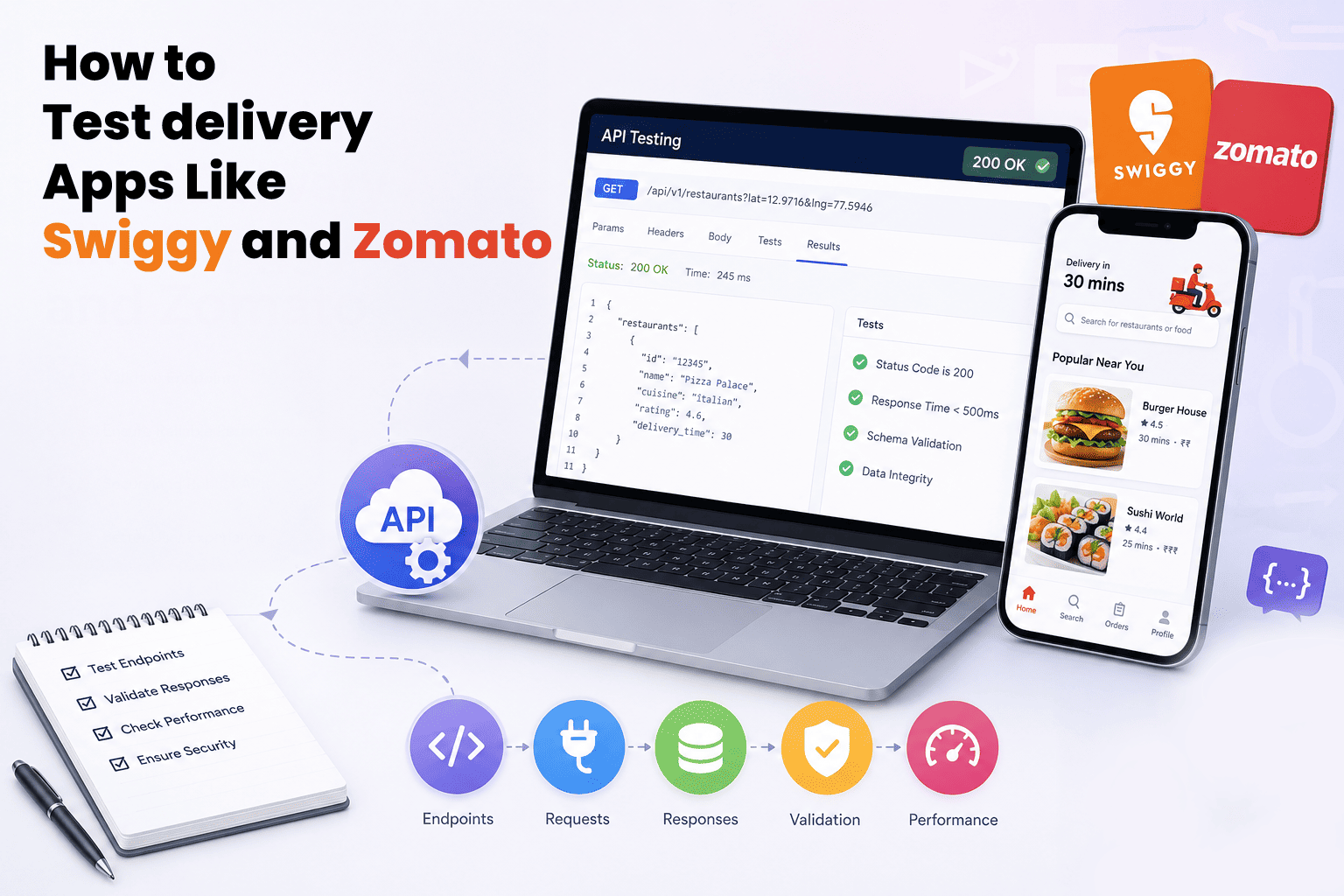
Imagine placing an order on Swiggy during the lunch rush. Your payment succeeds, but the order never reaches the restaurant. Or your order is confirmed, yet the tracking screen never updates.
While these may appear to be simple app glitches, they are often the result of one or more APIs failing behind the scenes.
Food delivery applications rely on a network of interconnected APIs to deliver a smooth customer experience.
For QA engineers, they provide an ideal environment to understand how APIs interact, where failures occur, and how effective API testing prevents production issues.
In this article, we'll use food delivery apps as a practical example to explore API testing, real-world scenarios, common challenges, and the tools needed to test modern applications effectively.
Understanding the Food Delivery App Architecture
Before testing an API, it's important to understand where it fits within the overall system.
Although ordering food seems like a simple process, every action, from logging in and browsing restaurants to placing an order and tracking its delivery, triggers multiple backend services working together. These services communicate through APIs to exchange data and keep the entire workflow running smoothly.
When you tap "Place Order," the request doesn't go to a single system. It passes through several APIs that authenticate the user, validate the cart, check inventory, process the payment, create the order, and notify the restaurant and delivery partner.
Understanding how these APIs interact helps QA engineers identify where failures can occur, design more effective test cases, and troubleshoot issues faster. That's what makes food delivery apps an excellent example for learning real-world API testing.
Core APIs You Need to Know
Let's look at the APIs that power the most important workflows in a food delivery app.
Each major user action, from logging in and browsing restaurants to placing an order and tracking its delivery, relies on a specific API. Understanding what each one does helps you identify what to test and where failures are most likely to occur.
- Login/Signup API - Authenticates the user and returns a session token. Everything downstream depends on this working correctly.
- Restaurant Listing API - Fetches available restaurants based on location and availability windows.
- Menu API - Returns item details, pricing, availability, and customisation options for a selected restaurant.
- Order API - Handles cart validation, stock checks, and order creation in one coordinated call.
- Payment API - Processes transactions and returns a success or failure state that directly triggers the next workflow step.
- Tracking API - Provides real-time delivery status by polling location data from the delivery partner's device.
Real-World API Testing Scenarios in Food Delivery Apps
Now that you understand the core APIs, the next step is testing how they behave in real-world situations. These scenarios go beyond basic functional testing and help identify the kinds of issues that commonly occur in production.
Order Validation
A user adds three items to the cart, but one goes out of stock between browsing and checkout. Does the Order API catch that? Does it return a clear error or does it silently drop the item? This is one of the most common production bugs in food delivery systems.
Verify what happens when cart data and live inventory are no longer in sync. Also check how the API responds if an item becomes unavailable after the checkout process has already started. The response should clearly communicate the issue and prevent incomplete or inaccurate orders.
Failed Payments
The user taps "Pay," the amount gets deducted, but the order never confirms. This is a partial failure and one of the most challenging issues to debug because payment and order creation are handled by different services.
Verify that the Payment API returns the correct status and that the Order API does not mark the order as placed when the transaction fails. Also test retry scenarios to ensure repeated payment attempts do not result in duplicate charges or duplicate orders.
Real-Time Tracking
The delivery partner's app crashes mid-route. What does the Tracking API return—an outdated location, a null value, or an error code? These aren't just theoretical edge cases. They occur regularly in production environments and can significantly impact the user experience.
Verify that the Tracking API handles location unavailability gracefully. It should never return a success status with empty or stale coordinates. Also check that the polling interval does not cause the client application to freeze or repeatedly send unnecessary requests.
Go one step further by testing what happens when the delivery partner briefly loses network connectivity and then reconnects. Does the tracking state recover correctly, or does it remain stuck on the last known location? These recovery scenarios are frequently overlooked during API testing, making them an important part of a comprehensive test strategy.
Edge Cases Worth Testing
Beyond common production scenarios, effective API testing also means validating how the system behaves under unusual or unexpected conditions. While these situations may occur less frequently, they can expose issues that standard functional tests often miss.
- Placing an order at restaurant closing time: Verify that the Order API rejects the request with a clear error message instead of resulting in a silent failure or an indefinitely pending order.
- Applying an expired coupon code: Check that the Payment API validates the coupon before payment processing begins. The response should return a specific error explaining why the coupon is invalid, rather than a generic failure that leaves the user confused.
- Two users ordering the last available item simultaneously: This is a classic race condition. Test whether the inventory lock is applied correctly so that only one order succeeds while the other receives a clear out-of-stock response instead of an order that the restaurant later has to cancel.
Peak Load
Not every production issue is caused by incorrect functionality. Sometimes, APIs fail simply because they're handling more traffic than expected. Imagine a Monday lunch rush or a flash sale event, when thousands of users place orders simultaneously.
When testing for peak load, verify that the Order API queues requests correctly and does not create duplicate orders under high concurrency. Check that the Restaurant Listing API continues to return accurate restaurant availability instead of serving stale cached data. Also ensure that the Payment API processes simultaneous transactions reliably without timing out, failing silently, or charging users more than once.
Testing APIs under heavy traffic helps identify performance bottlenecks, concurrency issues, and data inconsistencies that may not surface during normal operating conditions.
Tools and Techniques for Food Delivery API Testing
Understanding real-world scenarios is only part of effective API testing. You also need the right tools and techniques to validate API behavior, automate repetitive tests, and simulate production-like conditions.
Postman
Postman is the starting point for most API testers, and for good reason. It lets you send requests, inspect responses, set environment variables, and write basic test assertions. For food delivery scenarios, use Postman Collections to group related APIs, such as Login, Order, and Payment, and execute them as a sequence to validate end-to-end workflows.
Once you're comfortable with manual testing, take the next step by automating your test cases. Frameworks such as Rest Assured (Java) and Pytest with the Requests library (Python) let you create reusable test suites, execute them repeatedly, and integrate them into CI/CD pipelines.
Response Validation
Response validation is a critical part of API testing. Don't stop at checking for a ‘200 OK’ status code. A successful HTTP response only confirms that the server processed the request, not that the response itself is correct.
For example, a Payment API may return a 200 status while carrying an error message within the response body. This is a common issue that's easy to overlook during manual testing. Always validate the response schema, data types, and field values to ensure the API returns the expected data, not just a successful status code.
Mock Servers
Mock servers simulate API responses without requiring a live backend. They're particularly useful when the backend is still under development or when you need to recreate failure scenarios that are difficult to reproduce in a production environment.
For example, you can configure a mock server to consistently return a payment timeout or a 503 Service Unavailable response from the Restaurant Listing API. This allows you to verify how your application handles failures without waiting for them to occur naturally. Postman also provides built-in mock server capabilities, making it easy to simulate complete food delivery workflows during testing.
Together, these tools and techniques help QA engineers build reliable API tests, automate repetitive workflows, and validate application behavior before defects reach production.
Challenges in Real-World API Testing
Even with the right tools and well-designed test cases, API testing in production-like environments comes with its own set of challenges. Here is what actually makes food delivery backend testing daunting.
Dependency Handling
Food delivery applications rely on multiple interconnected services. For example, the Order API depends on the Menu API, which in turn relies on the Restaurant API and location services. If one service becomes unavailable during testing, it can disrupt the entire workflow.
Learning to mock dependent services or isolate APIs for independent testing helps ensure that one unavailable component doesn't prevent you from validating another.
Data Consistency
Distributed systems often introduce a delay between when data is written and when it becomes available across all services. For example, you might place an order and immediately request its status, only to receive outdated information.
This happens because of eventual consistency, where different parts of a distributed system synchronize over time rather than instantly. Understanding this behavior helps QA engineers distinguish expected system behavior from genuine defects.
Latency Issues
An API that responds in 200 milliseconds during development may take several seconds under real-world traffic conditions. These delays can affect dependent services, timeout thresholds, and the overall user experience.
Include response time assertions in your test suite to verify that APIs continue to meet performance expectations under varying levels of load.
Distributed Systems
A single user action, such as placing an order, often triggers requests across multiple services, including authentication, inventory, payment, restaurant management, and delivery tracking.
When something goes wrong, identifying the root cause may require analyzing logs across several services and collaborating with multiple teams. Understanding these interactions makes it easier to isolate failures and resolve issues efficiently.
Interview Perspective
Understanding real-world API testing isn't just valuable on the job. It also helps you stand out during QA interviews. Employers are less interested in memorized definitions and more interested in how you approach real testing scenarios and solve problems.
Be prepared to answer questions such as:
- How would you test a Payment API for a food delivery app?
- What would you check if an order is placed but the user never receives a confirmation?
- How would you perform API testing when a dependent service is unavailable?
- What is the difference between functional and non-functional API testing?
When answering, don't simply list testing steps. Explain your thought process. Describe what you would test first, why you would prioritize it, and which failure scenarios you're trying to identify. Mention relevant status codes, edge cases, and tools you've used. Demonstrating a structured approach is often more valuable than memorizing textbook answers, especially for entry-level QA roles.
Student Action Plan
Step 1: Practice on Public APIsStart with free APIs like the Open Food Facts API or any mock REST API service. Get comfortable sending requests, reading responses, and writing basic validations in Postman.
Step 2: Simulate a Food Delivery FlowDesign a mini test suite around a fictional food delivery system. Create test cases for login, menu retrieval, order placement, payment, and order tracking. You do not need a real backend, mock servers work just fine.
Step 3: Write Proper Test CasesDocument each API by recording the endpoint, input parameters, expected response, and validation criteria. Developing this habit early helps you think like a QA engineer rather than simply executing requests.
Step 4: Learn Basic AutomationPick one programming language and automate at least five of your manual test cases. Run them together as a suite. That is your first API test automation framework.
Step 5: Build Your PortfolioUpload your Postman collections, test scripts, and documentation to GitHub. A well-organized portfolio often demonstrates practical skills more effectively than certifications alone.
Conclusion
API testing is not a niche skill reserved for senior engineers. It is far more than validating endpoints or checking status codes. It requires understanding how APIs interact, how systems behave under real-world conditions, and how small failures can impact the overall user experience.
Food delivery applications provide an excellent learning model because they bring together authentication, inventory, payments, order management, and real-time tracking into a single API-driven workflow. By practicing on scenarios like these, you'll build the practical skills needed to test modern applications with confidence.
Take Your API Testing Skills Beyond the Basics
Understanding APIs is only the beginning. The real learning happens when you test complex workflows, troubleshoot failures, and automate scenarios that reflect modern applications.
With SkillStone, you'll gain hands-on experience through practical exercises designed to prepare you for real projects and QA interviews.
Start learning with SkillStone today.
FAQs
Q1. What is Swiggy API testing, and why does it matter for QA learners?Swiggy API testing refers to testing the backend APIs that power a food delivery app. It matters because these workflows reflect the complexity of real-world production systems, making them ideal for learners who want to move beyond basic endpoint testing.
Q2. How is Zomato API testing different from testing a simple REST API?Zomato API testing involves chained, dependent API calls, where the output of one endpoint directly affects the next. Unlike isolated REST API tests that use dummy data, it involves validating workflows and data consistency across multiple services.
Q3. What is Postman API testing, and where should beginners start?Postman API testing involves using Postman to send requests and write automated assertions against APIs. Beginners should start by building a Postman Collection that simulates a basic food delivery workflow and validating each response before moving on to automation frameworks.
Q4. Can I practice food delivery app testing without access to a real backend?Yes. Postman's built-in mock server lets you simulate API responses for any endpoint. You can design your entire Swiggy- or Zomato-style test suite using mocked data and still build practical, portfolio-worthy skills.

Next post
Why Learning Microsoft Excel Boosts Your Internship and Career Opportunities
You may also like

Internship vs Certification: What Gets You Hired Faster?

How to Start Preparing for Campus Placements Early